
Medium Format Vibes Part II
Following on from part I where I explored medium format photography on film, this month I’ve started to explore the digital side as well and also how it compares to a high resolution full-frame camera.
Hasselblad recently announced an upgraded mark II version of their flagship 102 megapixel X2D medium format camera. The new one has better auto-focus and in camera high dynamic range plus a few other tweaks to the design. These things are nice to have but not so important to me when I can now pick up a mint, X2D mark I for less than half price. This still gives me 102 megapixels and Hasselblad legendary colour science. Ideal for landscape photography, I don’t need fast auto-focus.
Struggling to find a daily use case for my Leica Monochrome camera as I prefer the look of black and white film and the flexibility to shoot colour or black and white, I sold it for a good price, enabling me to entirely fund an X2D mark I and a couple of lenses. I ended up buying the one I’d borrowed from a friend during my recent Skye trip. The money I saved makes up for the money I lost on selling the monochrome camera.
I ordered the new 35-100mm zoom lens which gives me access to a load of useful focal lengths but it’s been on back order, meaning I’ve had to wait a few weeks for it to arrive. This lens came free with a set of Urth professional ND filters as part of a promotion which is helpful. I added polarising and mist filters to complete the set.
While waiting for the 35-100, I picked up a used 28mm f4 lens for a good price. At about 20mm full-frame equivalent, it’s a wide angle lens which will be superb for high resolution X-PAN crops, a favourite perspective of mine that the X2D does natively in camera.
102 mega-pixel images which are 200MB in size are not exactly conducive to daily use and general photography and so I’ve not really had a chance to properly gel with this new kit yet. I have however found a couple of things I really like about the system.
Resolution:
There is no denying the extreme resolution of using 102 megapixels. The files are massive, but the level of detail is incredible. The 35-100 lens is a bit large and cumbersome, but it’s probably the only lens I’ll need to cover most scenarios. (Its full-frame equivalent is 28-76mm). If I need any more reach, I’ve got plenty of headroom to crop images and still retain high resolution. The 28mm lens will create impressive and extremely highly detailed wide-angle shots.
The Sony has 60 megapixels, which is also not to be sniffed at. Capable of rendering impressive detail, it’s not far from medium format. The ability to switch to lower resolution however is hugely welcome. Most of the time, I operate the Sony in medium resolution of around 26-40 megapixels depending on crop making it a far more suitable daily camera.
Size and Weight:
Due to the bigger sensor, the X2D is larger and heavier than the Sony A7RV and so are the lenses. However with just two lenses (28mm & 35-100mm), I can cover most landscape scenarios meaning less overall kit to carry. with the size of that 35-100 lens, a stable tripod is a good ideal. My peak design travel tripod can struggle a bit in high winds with the X2D.
Ergonomics:
The X2D feels great in the hand but there’s no getting away from the heft of this camera, when fitted with the 35-100 over the Sony with a 24-70.
The tilting rear screen flips up nicely for those all important low down and waist-level shots even if it is obscured a bit by the viewfinder.
The viewfinder itself is of great quality, but it’s a nightmare to use with glasses. Half the time the eye sensor doesn’t register and switch over when I’m wearing glasses and bring my eye to it. To that end, I’ve used the electronic diopter adjustment to tune the viewfinder to my uncorrected eye meaning I need to remove my glasses to use it.
The rear screen suffices for most shots, but I’m reminded of how flawlessly this all works and how much better the rear screen articulates on the Sony A7RV.
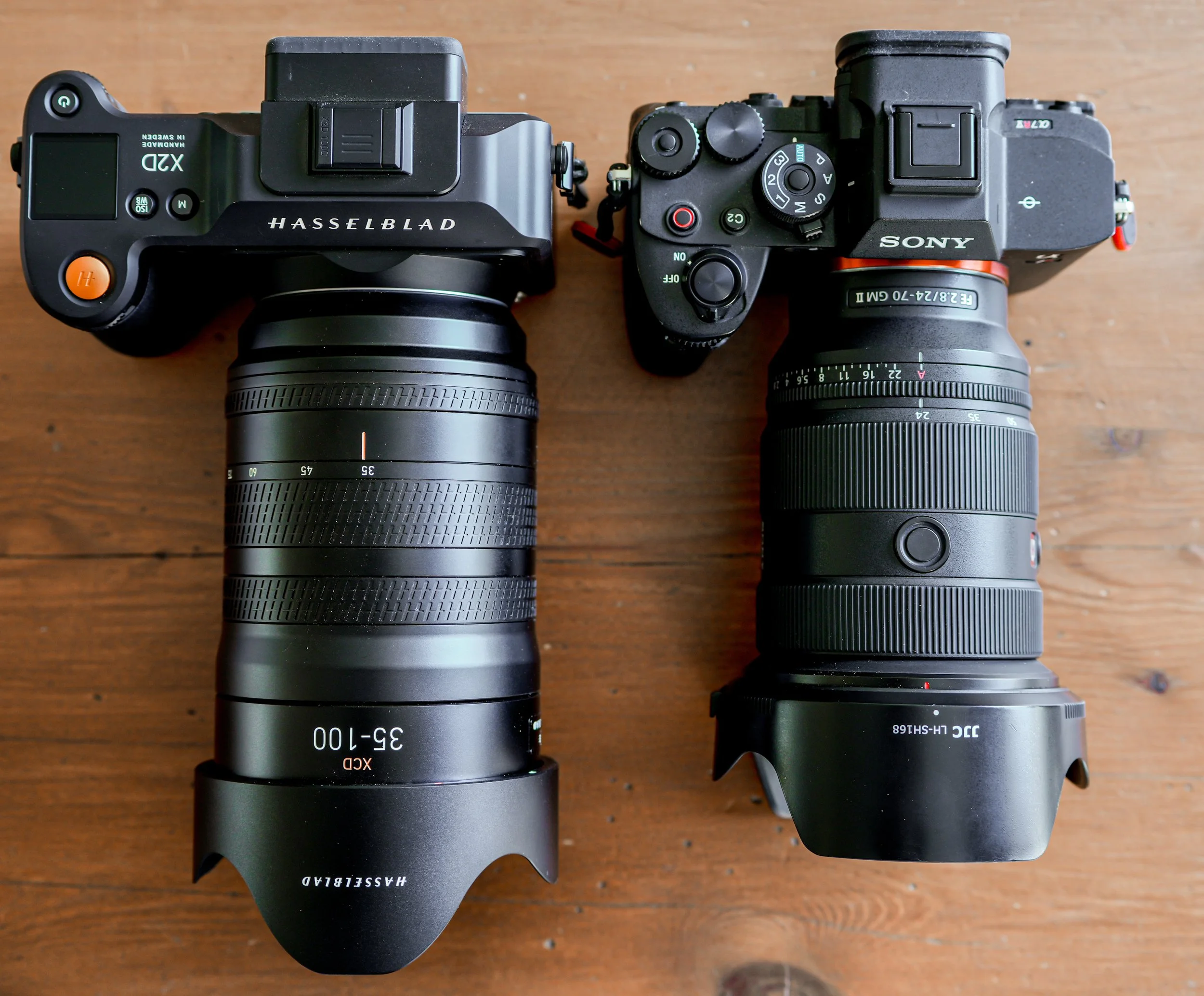
X2D and A7RV side by side with equivalent lenses
Long-exposure shots:
Any camera can handle long-exposure shots with a 6-10 stop ND filter to reduce the light input. The ease at which the X2D handles them makes it a joy to use. Even the IBIS (in body image stabilisation, works out what to do when the camera is tripod mounted for long exposures. I shot many 2 minute exposures during my trip to Skye with perfect results.
Long exposures on my Sony require calculation, or guess work if more than 30 seconds is needed and it’s important to turn off all the lens or body stabilisation which will actively interfere with tripod based long exposures. The tripod therefore has to be rock solid, no room for any movement whatsoever.
Colour Science & Noise Reduction:
The HNCS (Hasselblad Natural Colour Science) is reputed to be the very best in the photographic world and who am I to argue. With 16bit colour instead of the usual 14bit, the X2D can render something like 242 trillion different colours which is mind blowing.
Using the supplied and freely downloadable 'Phocus’ software on any mobile device or computer, you can also take advantage of the Hasselblad Noise reduction which gives you an option to preserve purity or detail. It works exceptionally well, but it’s worth remembering that the new AI noise reduction in Lightroom is also pretty good.
Workflow:
This bit is really important to me. I’ve always used Lightroom to edit my photos which is really intuitive and gets better and better with every new release. I’ve also been doing this a long time now with all my various cameras.
A quick search on the internet maintains that the best way to edit Hasselblad files is to start with ‘Phocus’, export as 16-bit TIFFs and then complete any final edits in Lightroom.
That means that my 200MB raw files are now exported to 200MB TIFF files (total 400MB) for each image. That’s nuts.
Turns out that lightroom can natively open and process Hasselblads .3FF raw files with no problem, so you can go straight to lightroom if you can live without the Phocus only features.
Thinking of old dogs and new tricks, I’m going to start this journey and see if I can manage to stick to my original workflow using just lightroom to edit the images.
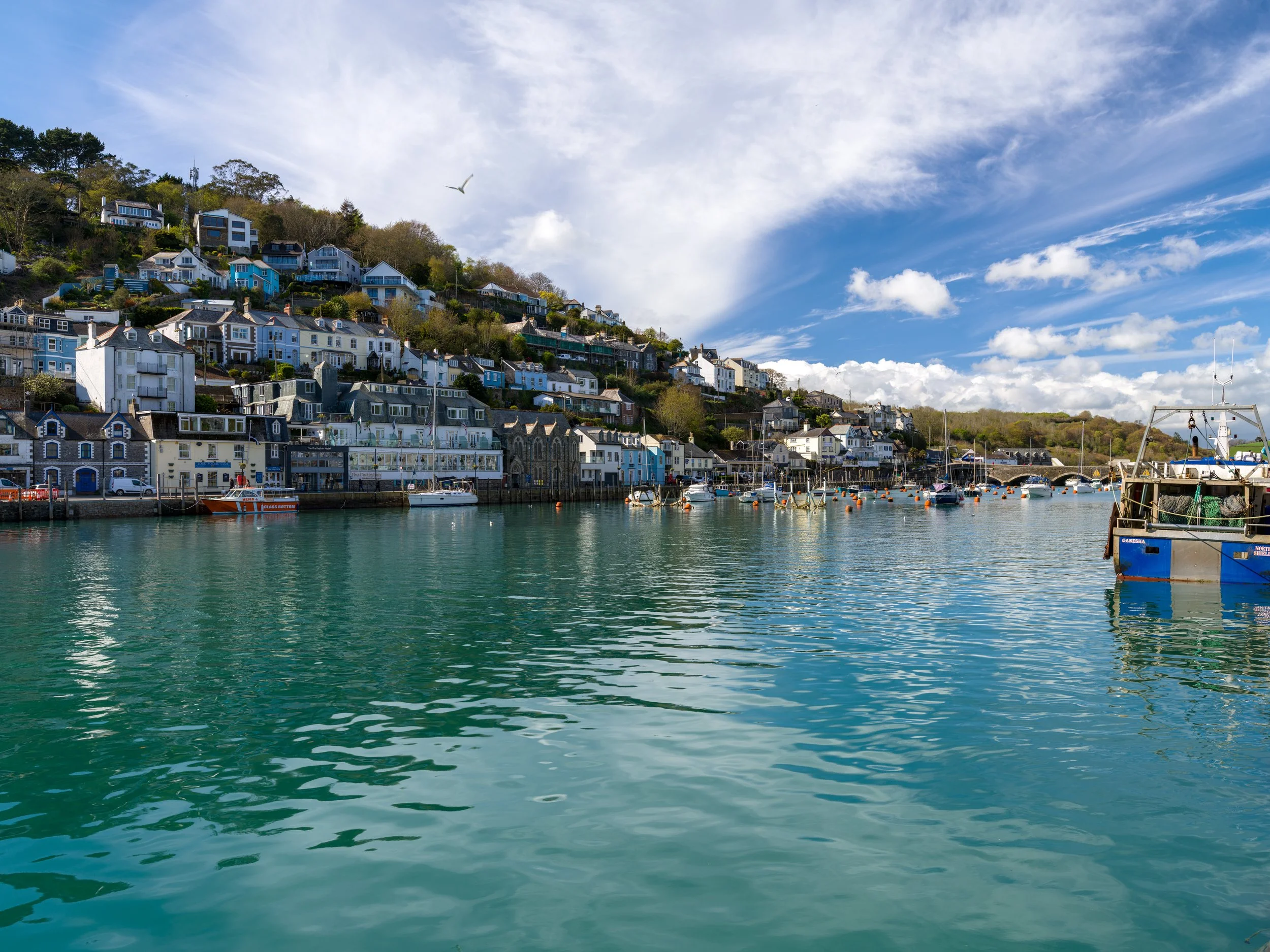
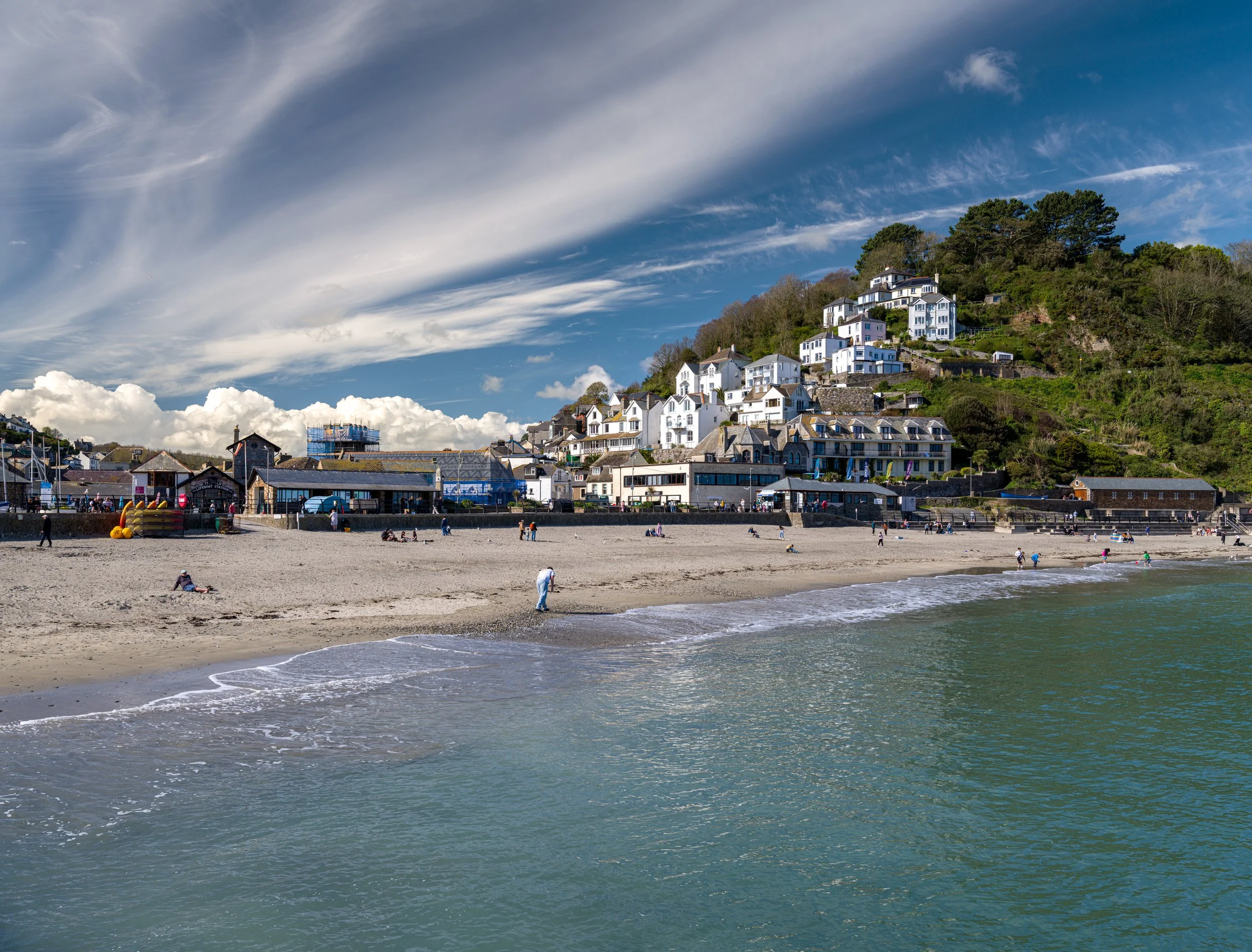
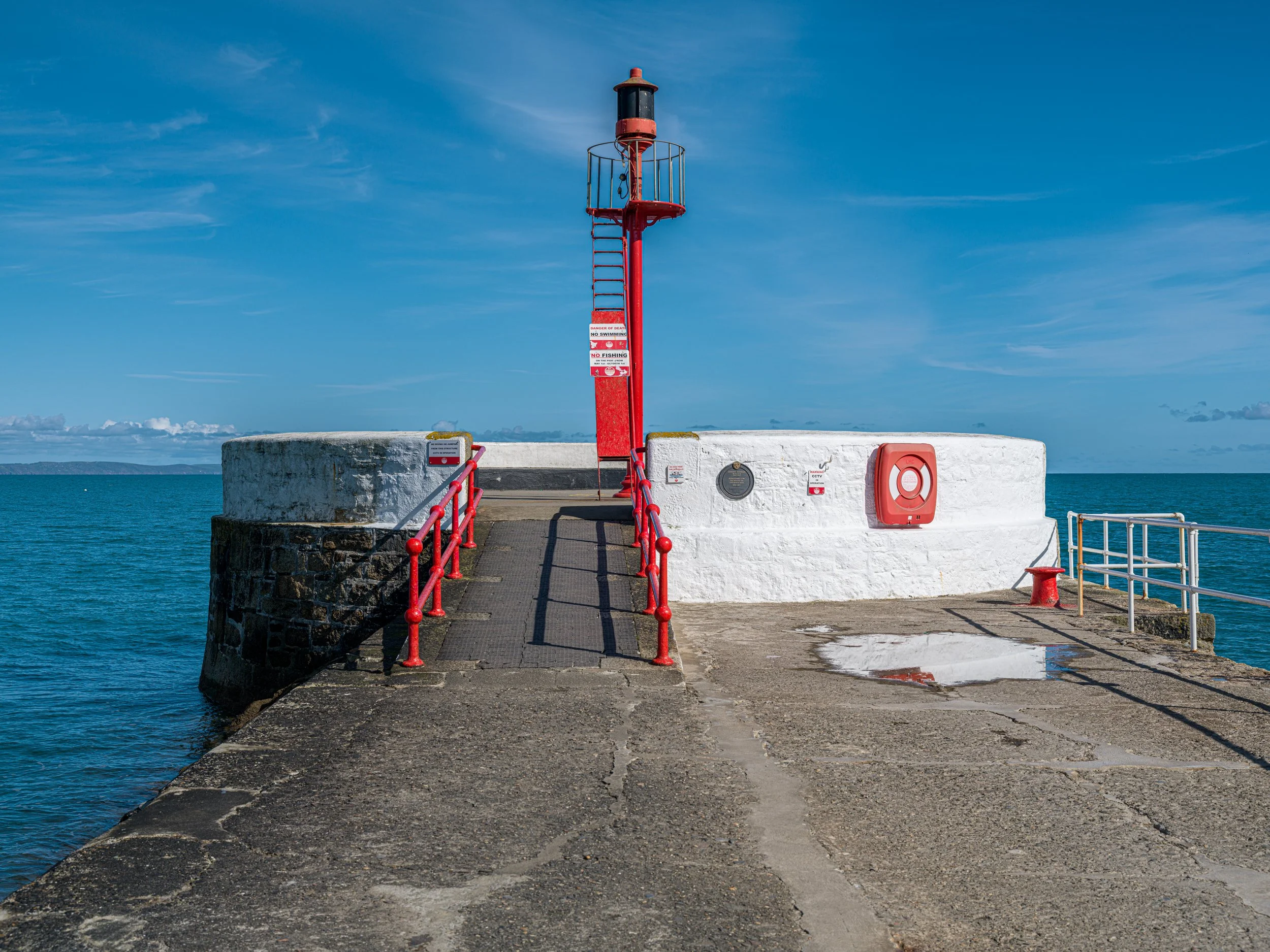
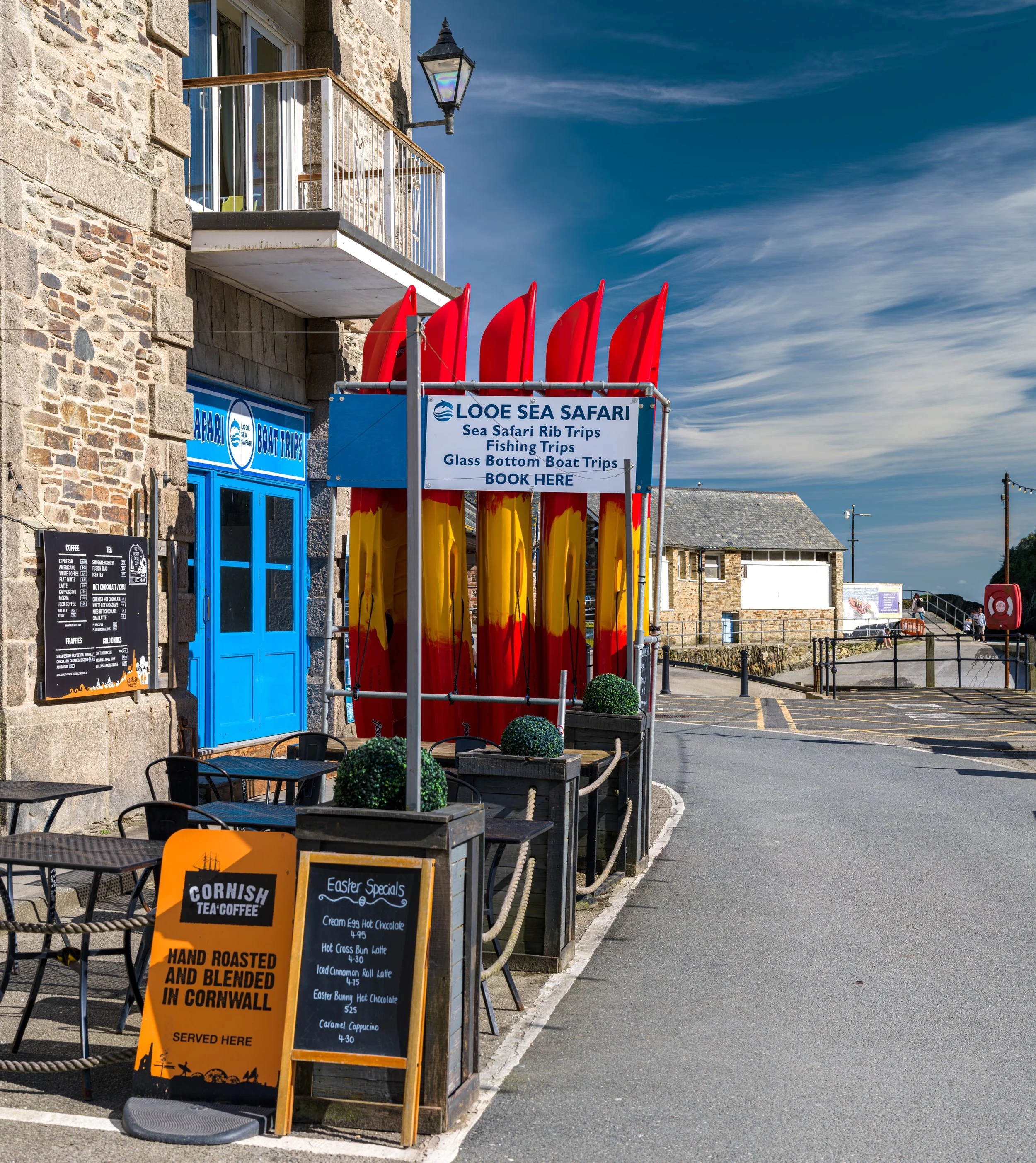
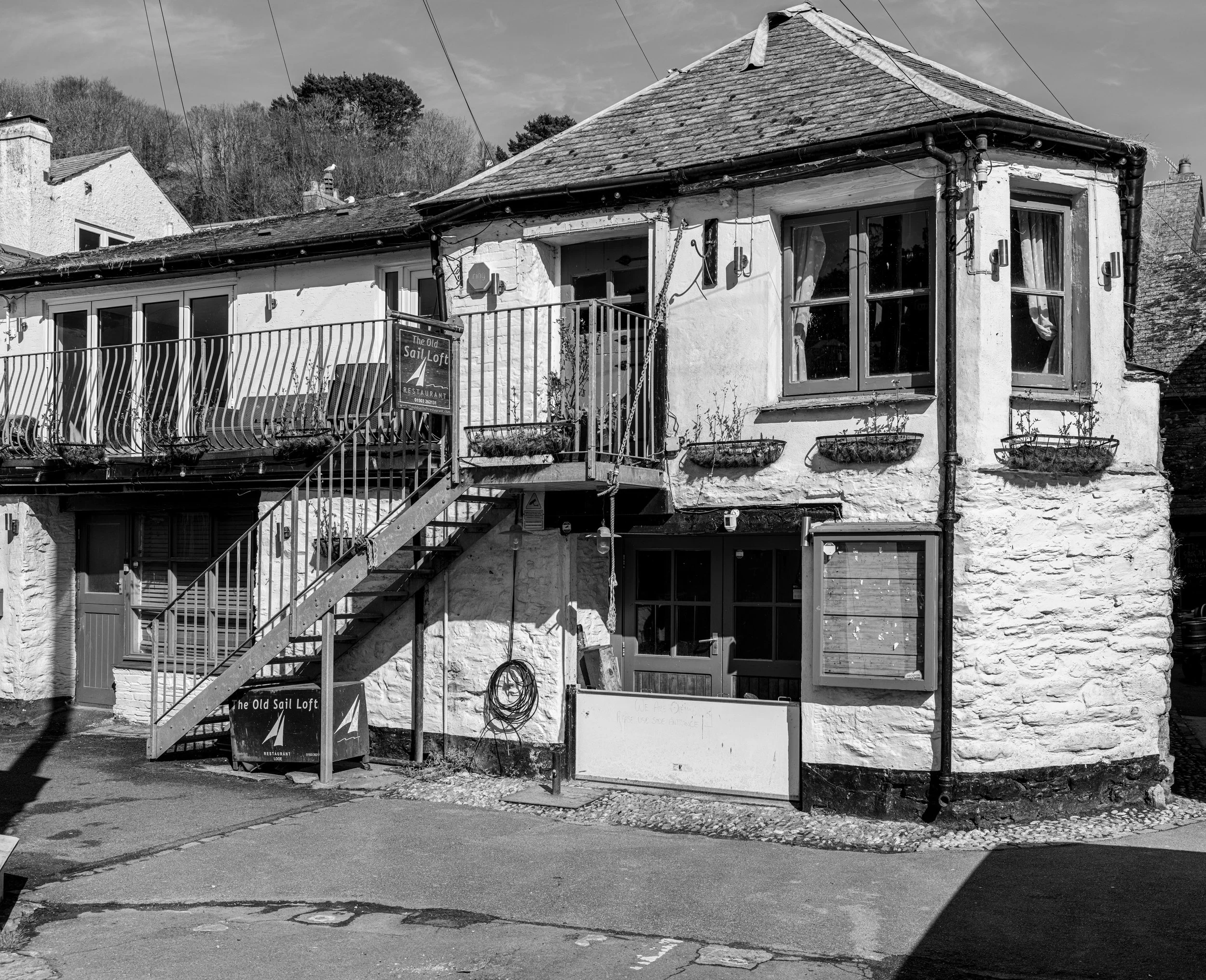
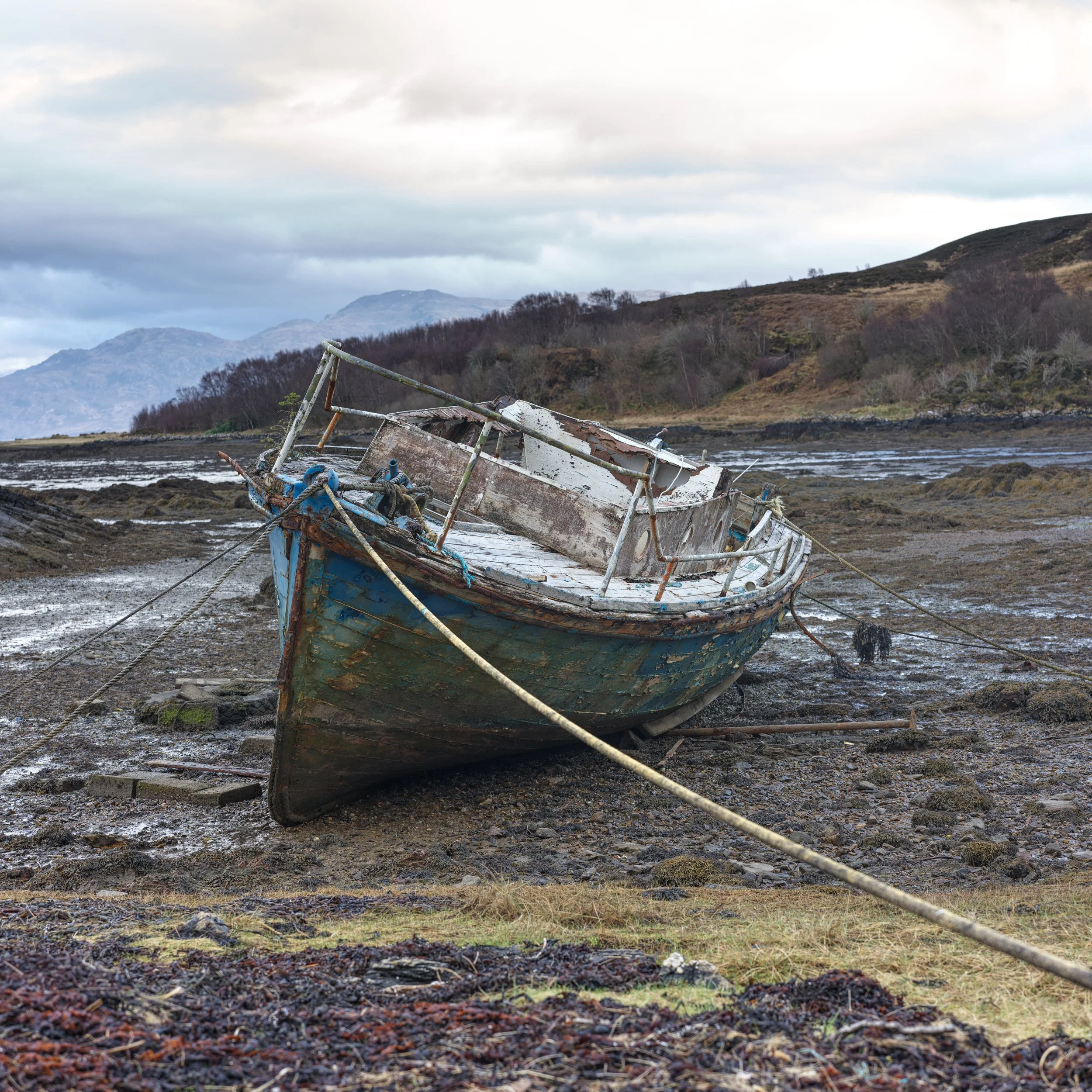
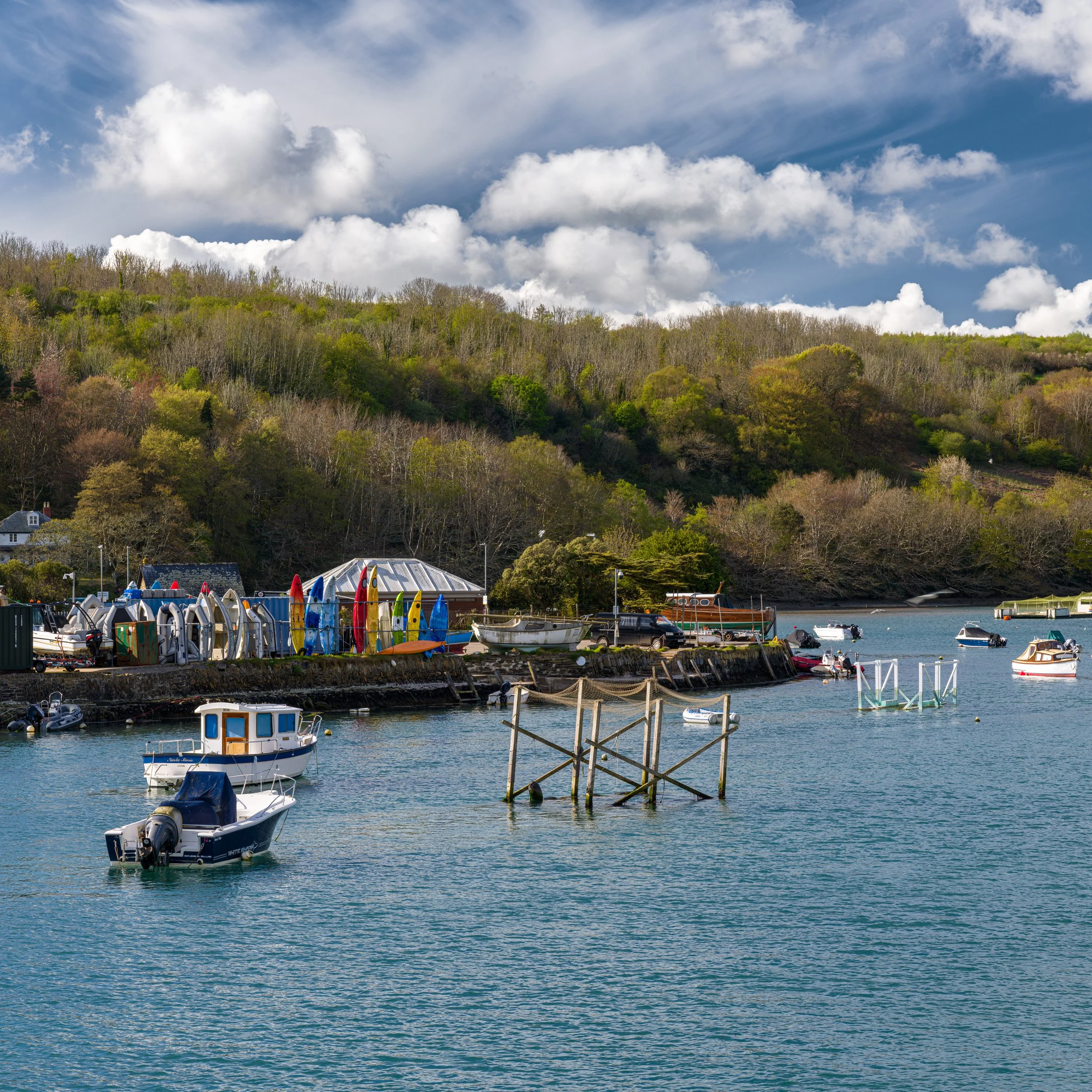
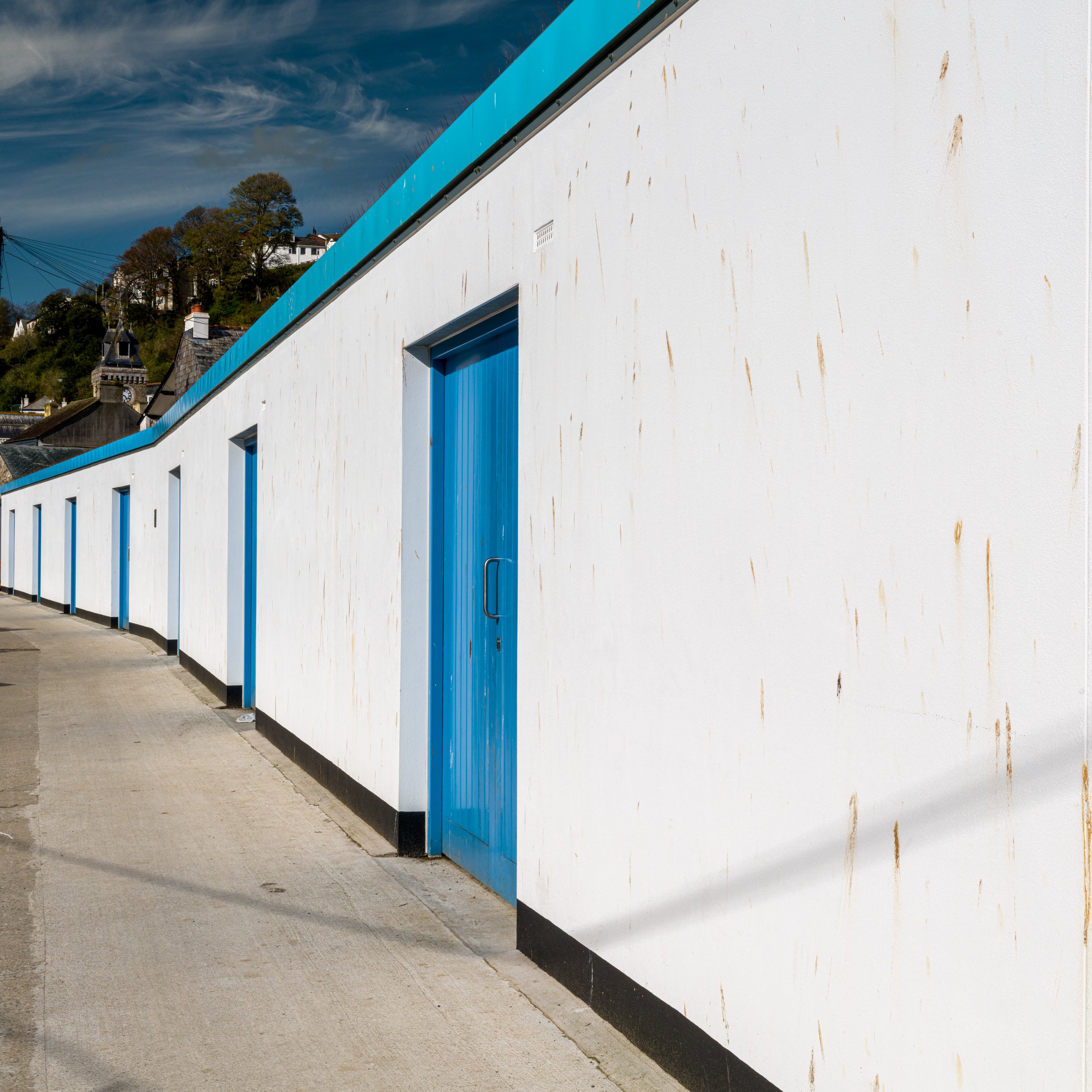
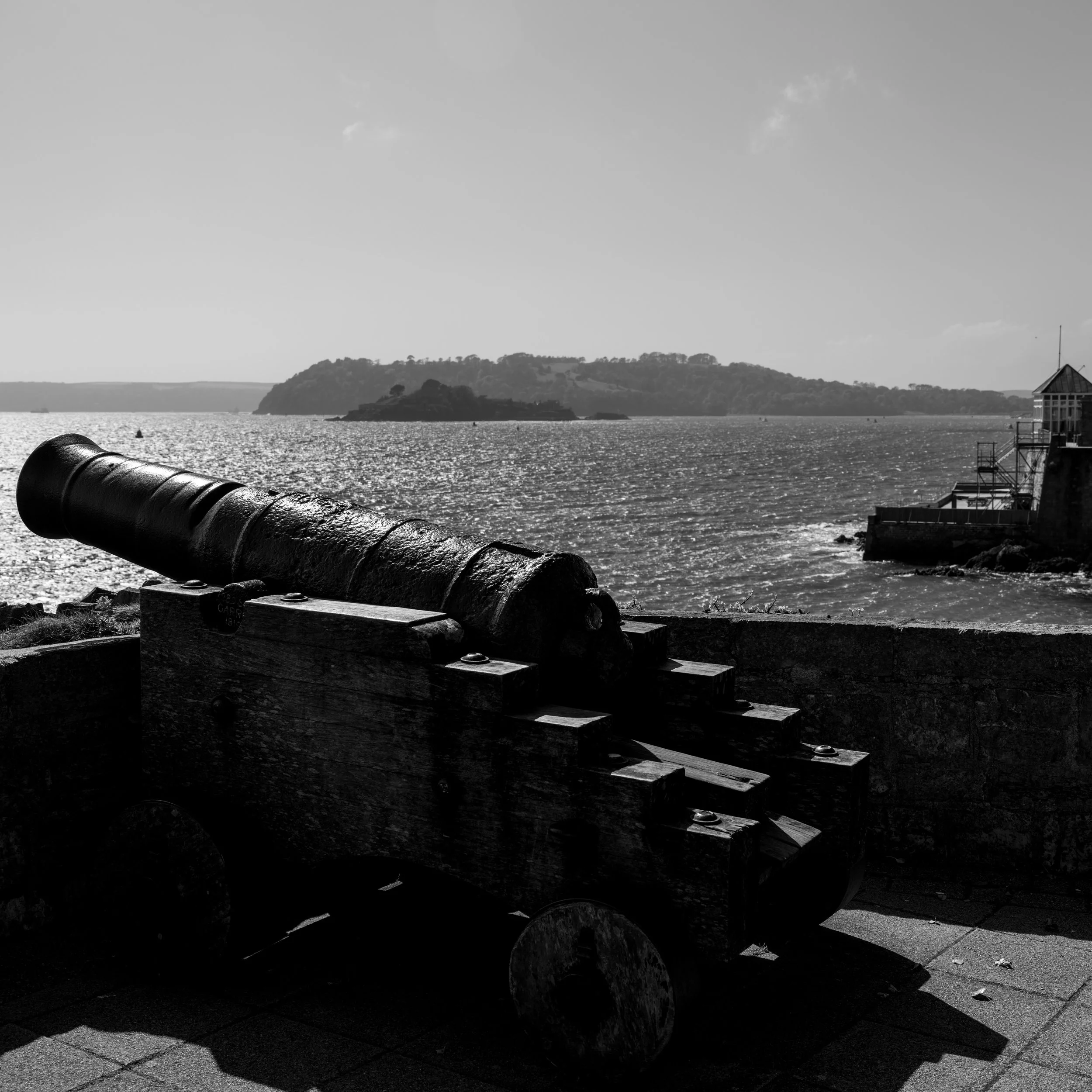
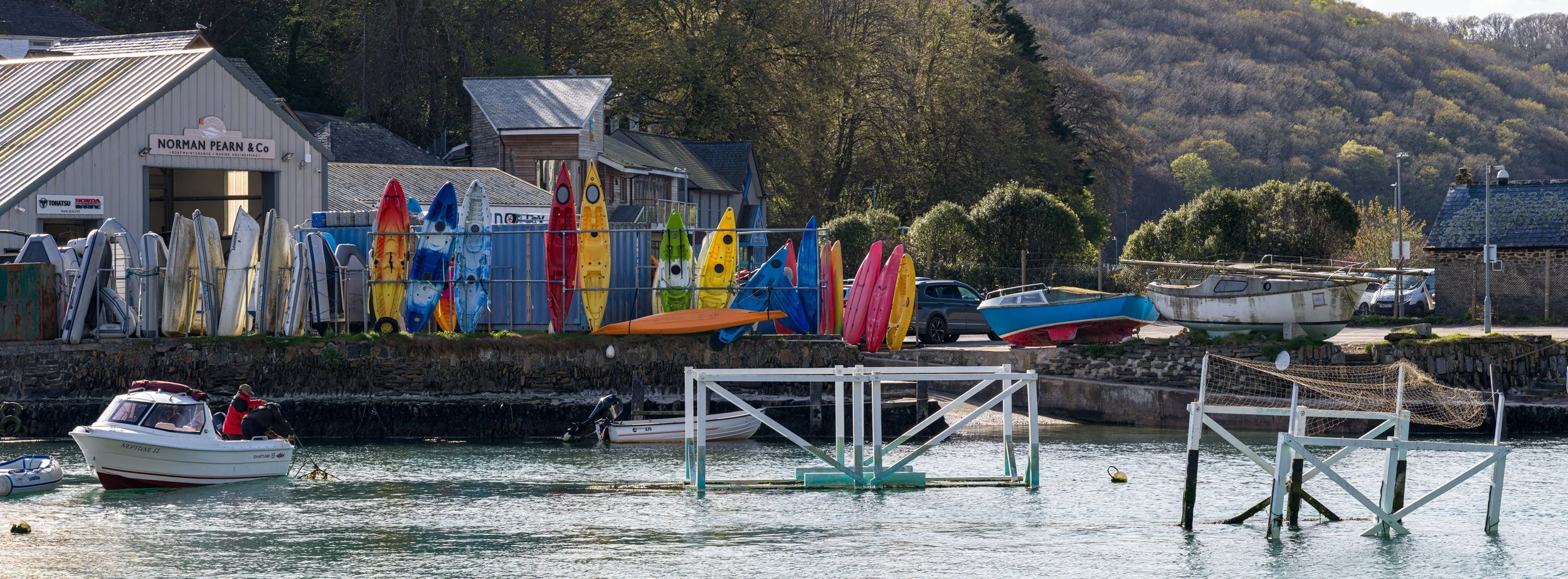
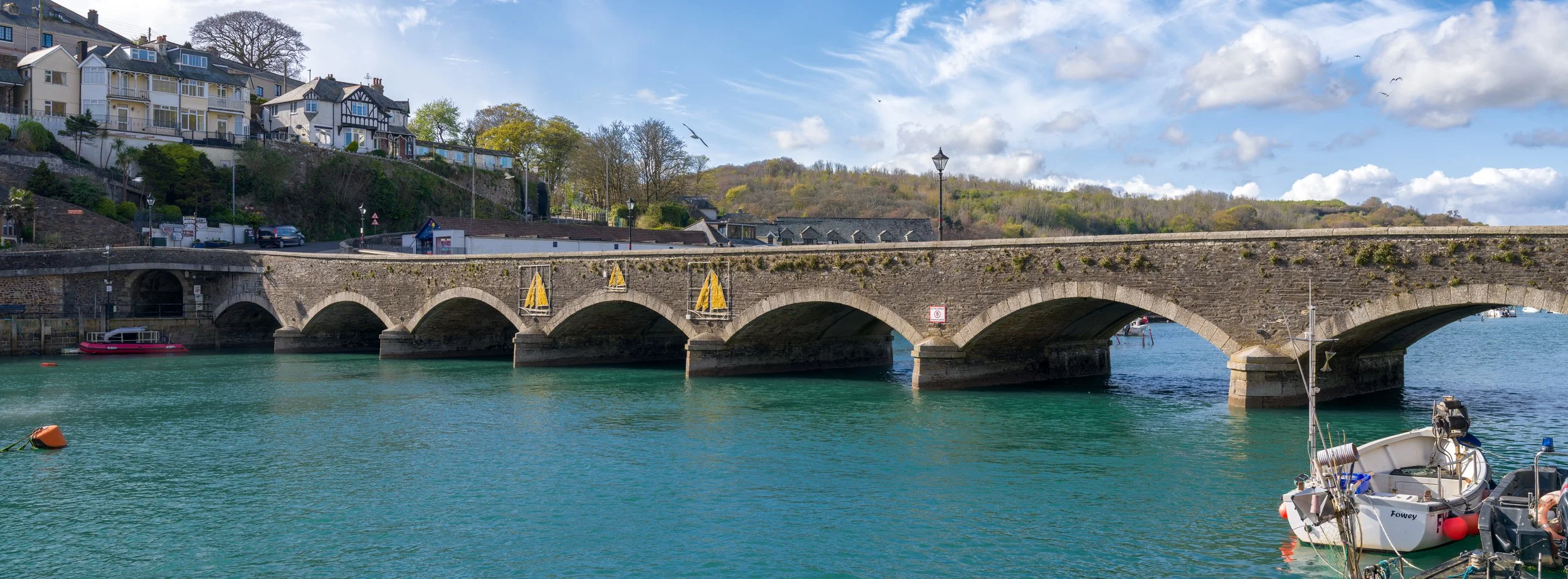
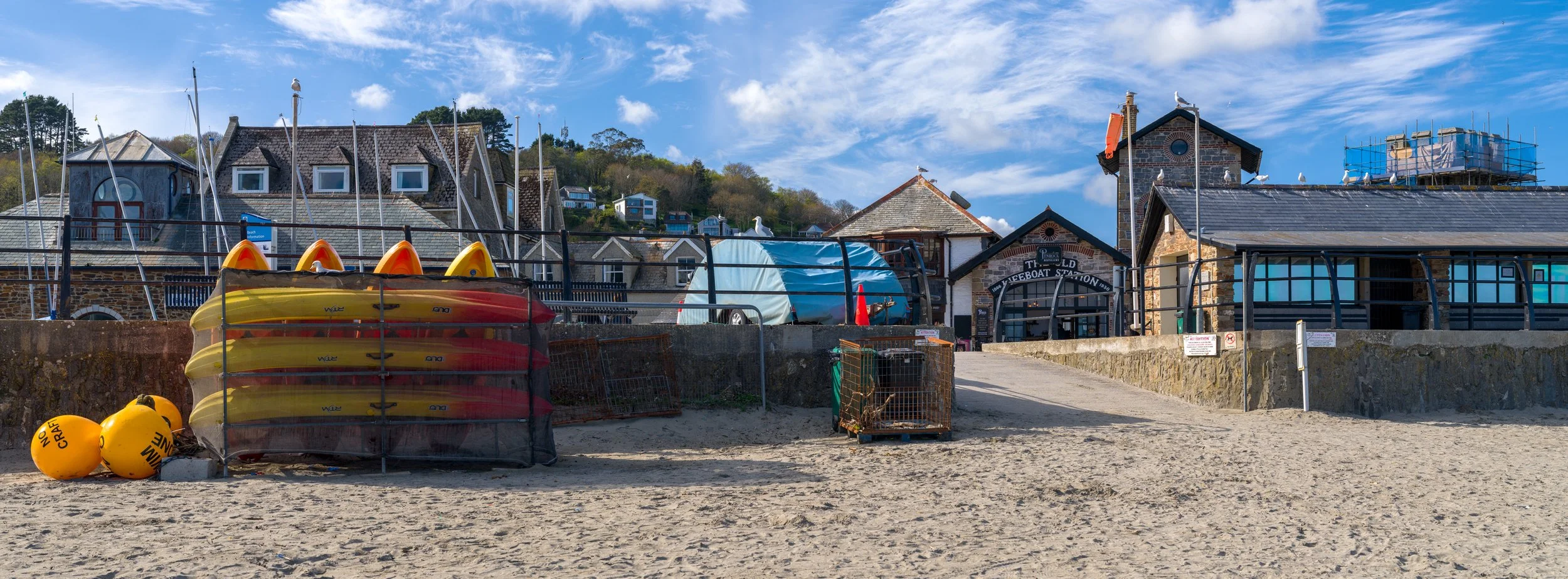
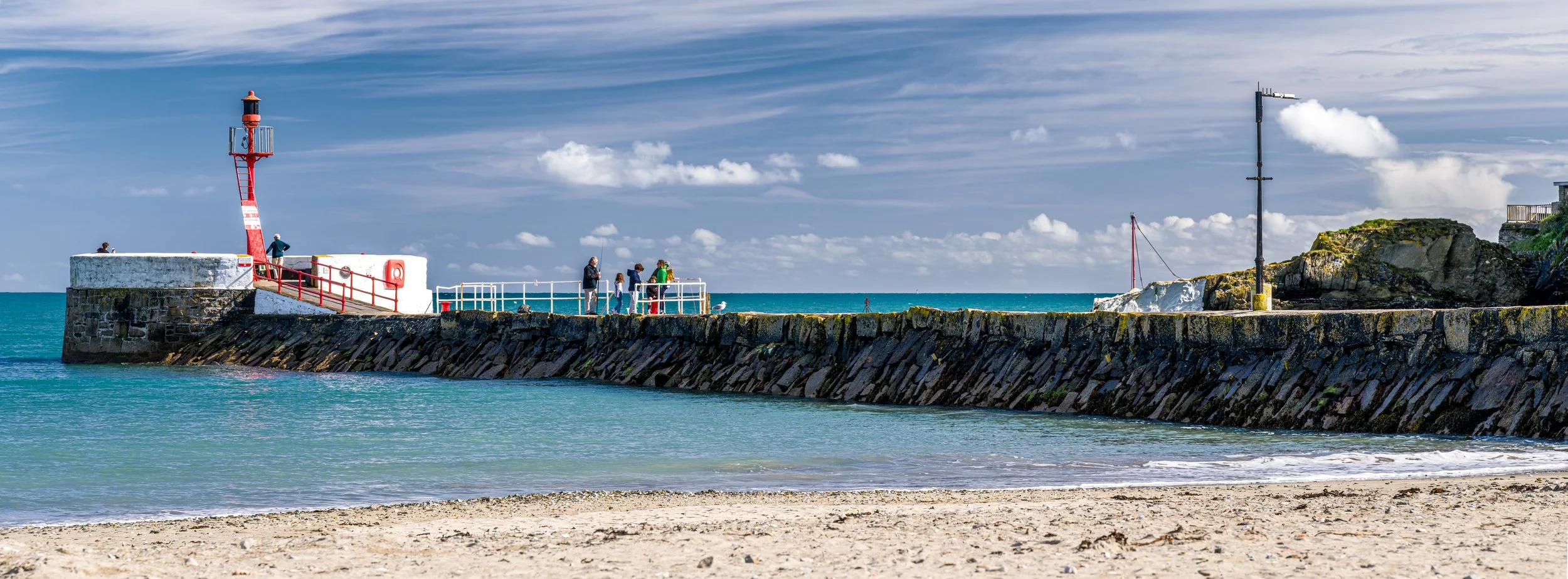
The images here were all edited from start to finish in Adobe Lightroom. I think it’s done a decent job. It does however take much longer to process the large images and uploading to the adobe cloud so you can edit on all your devices, really takes its toll on any sub gigabyte internet connection in terms of speed and bandwidth jamming.
The Phocus software also works very well either on my Mac, tablet or phone in order of preference but be warned you’ll soon fill up your device memory if uploading the images locally.
The mobile device version of focus allows you to export your edited images in a variety of Hasselblad borders if that’s your thing. It’s also very quick to upload and process the images but that’s likely because I have a fairly new iPhone.
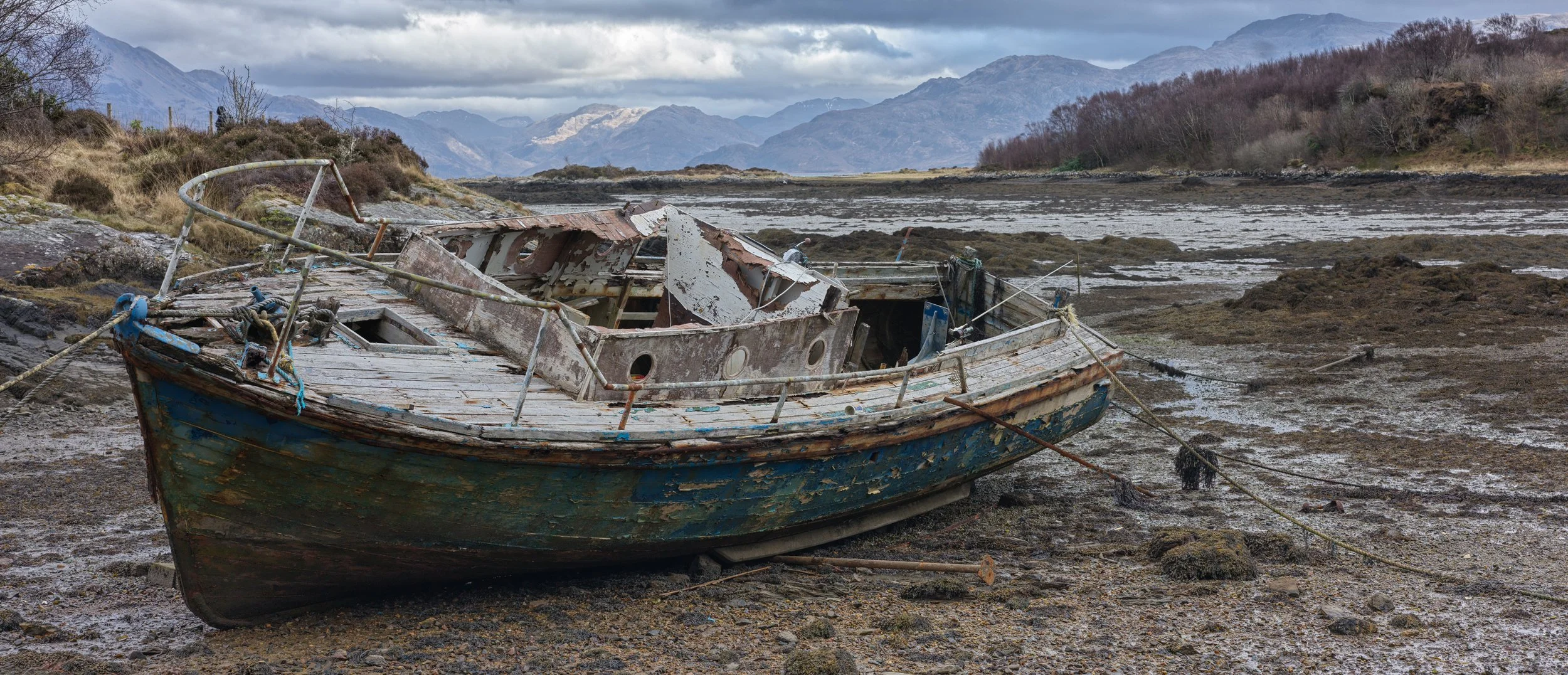
Images in 645 snd 4:3 format
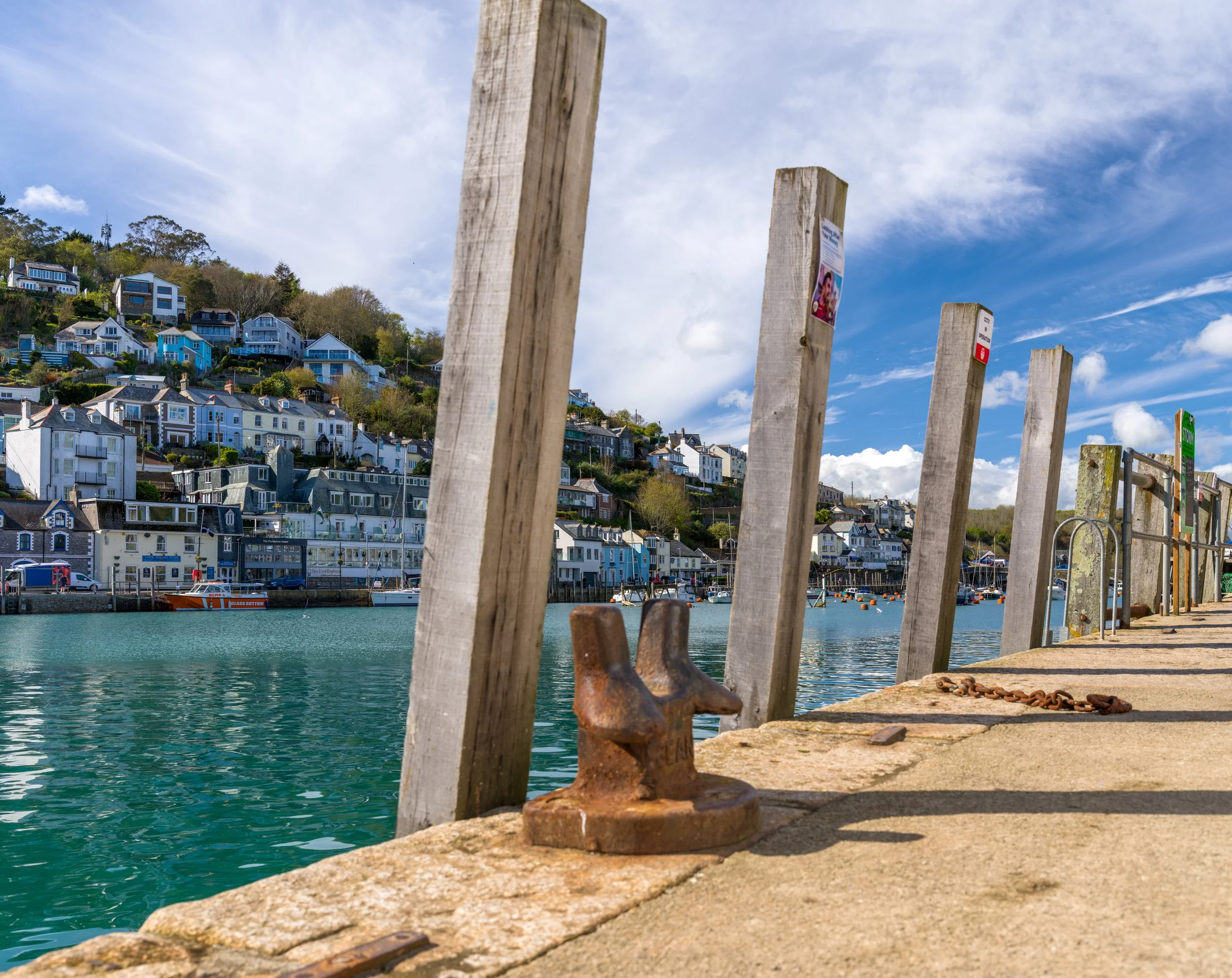
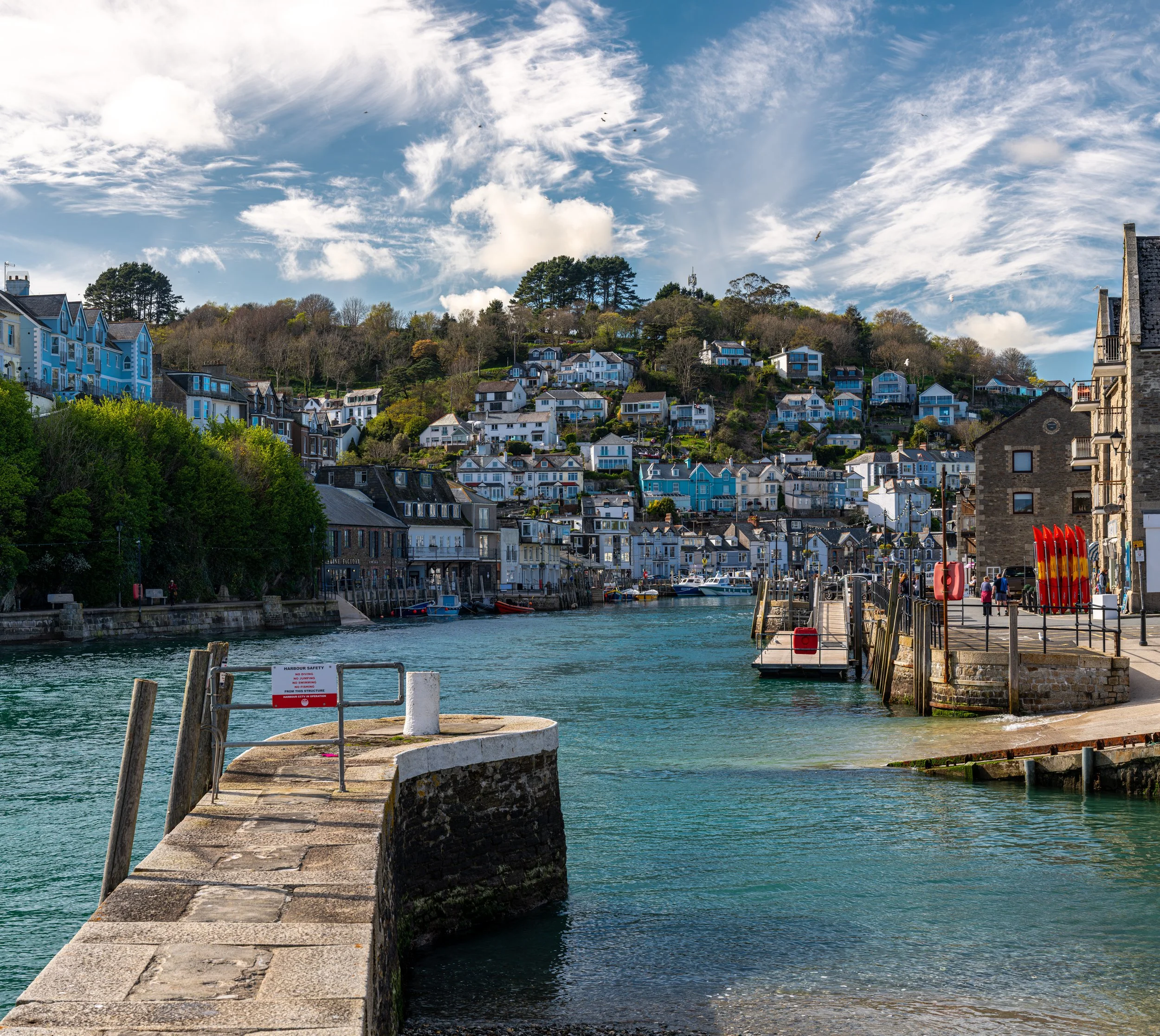

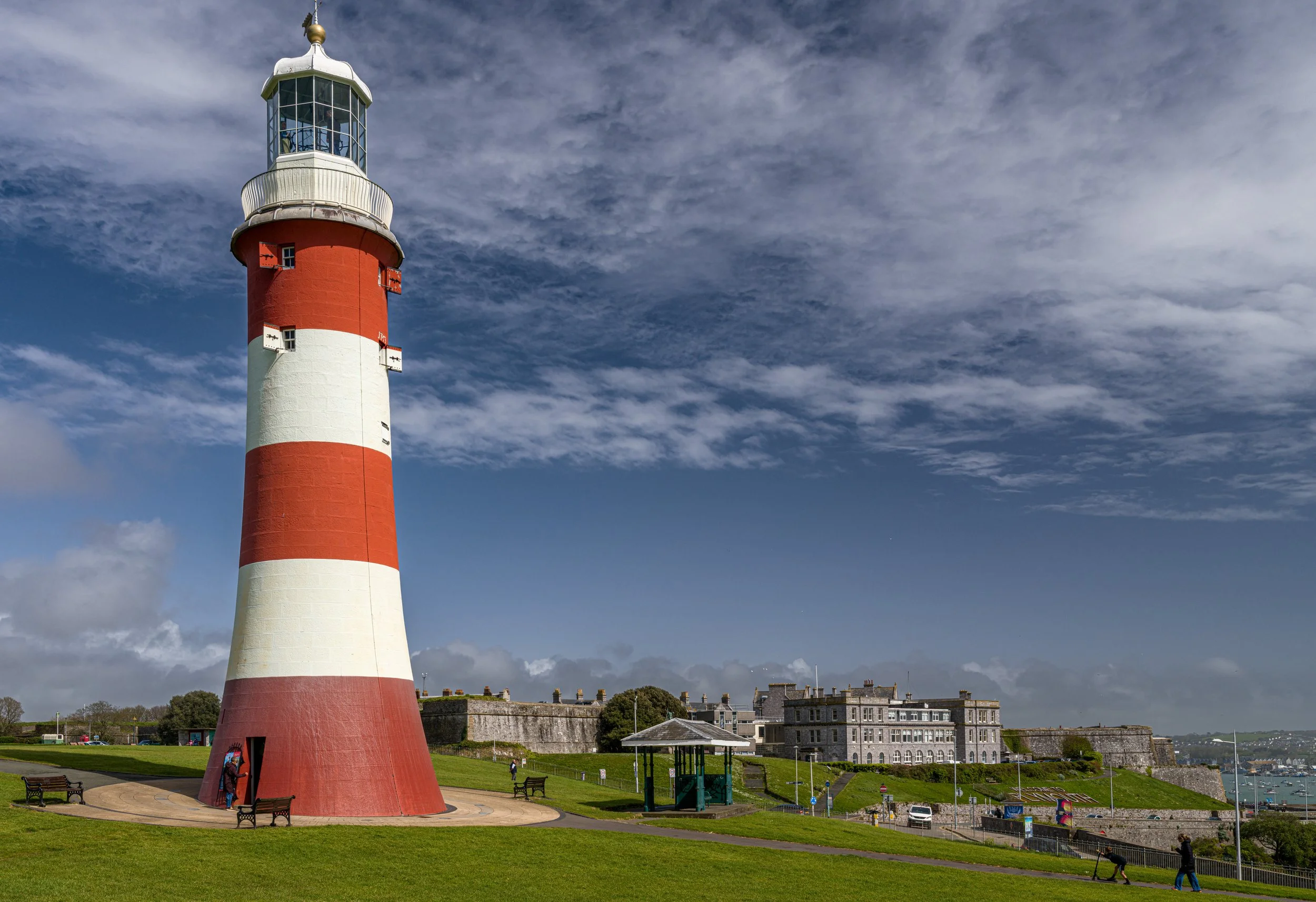
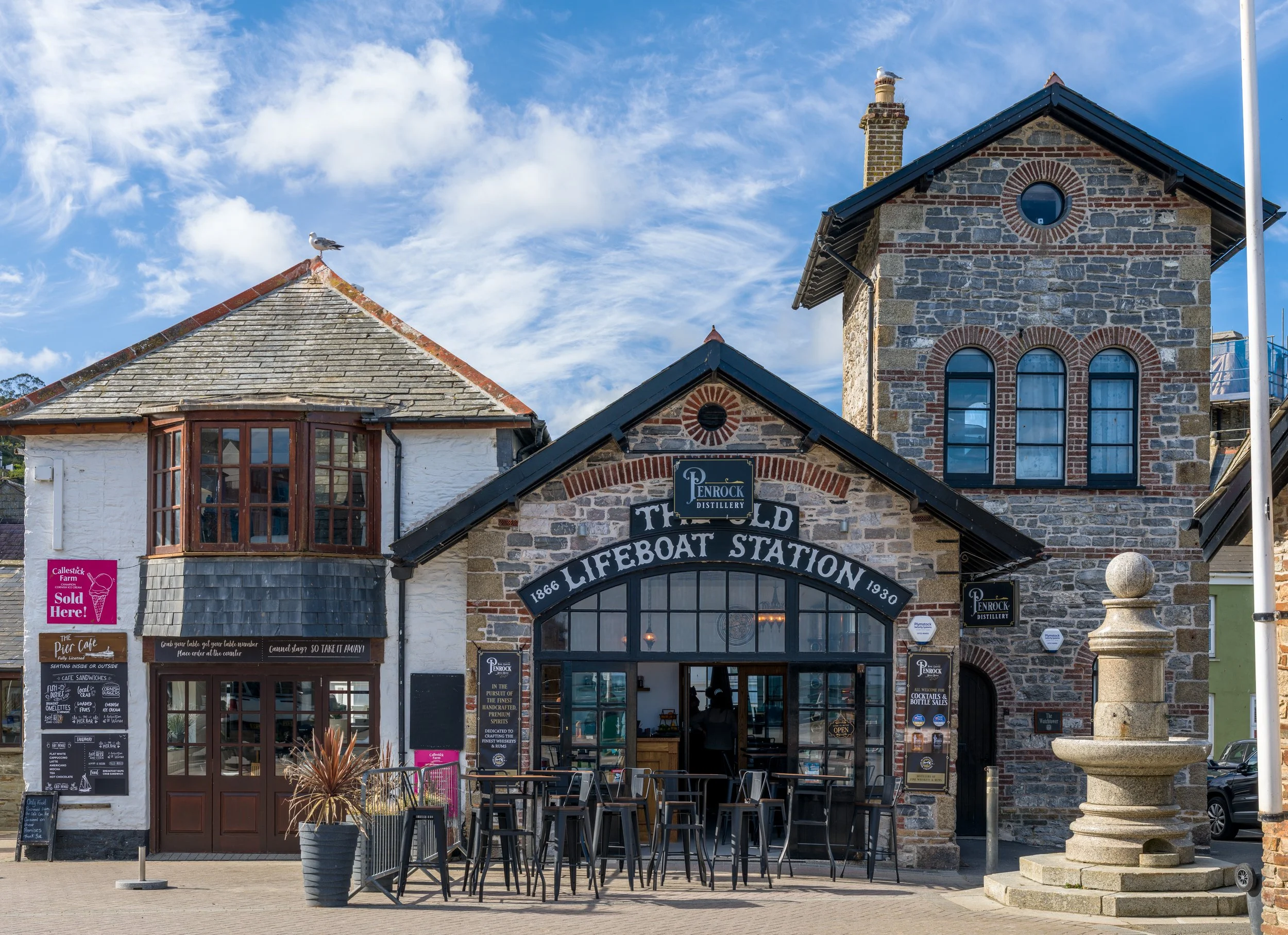
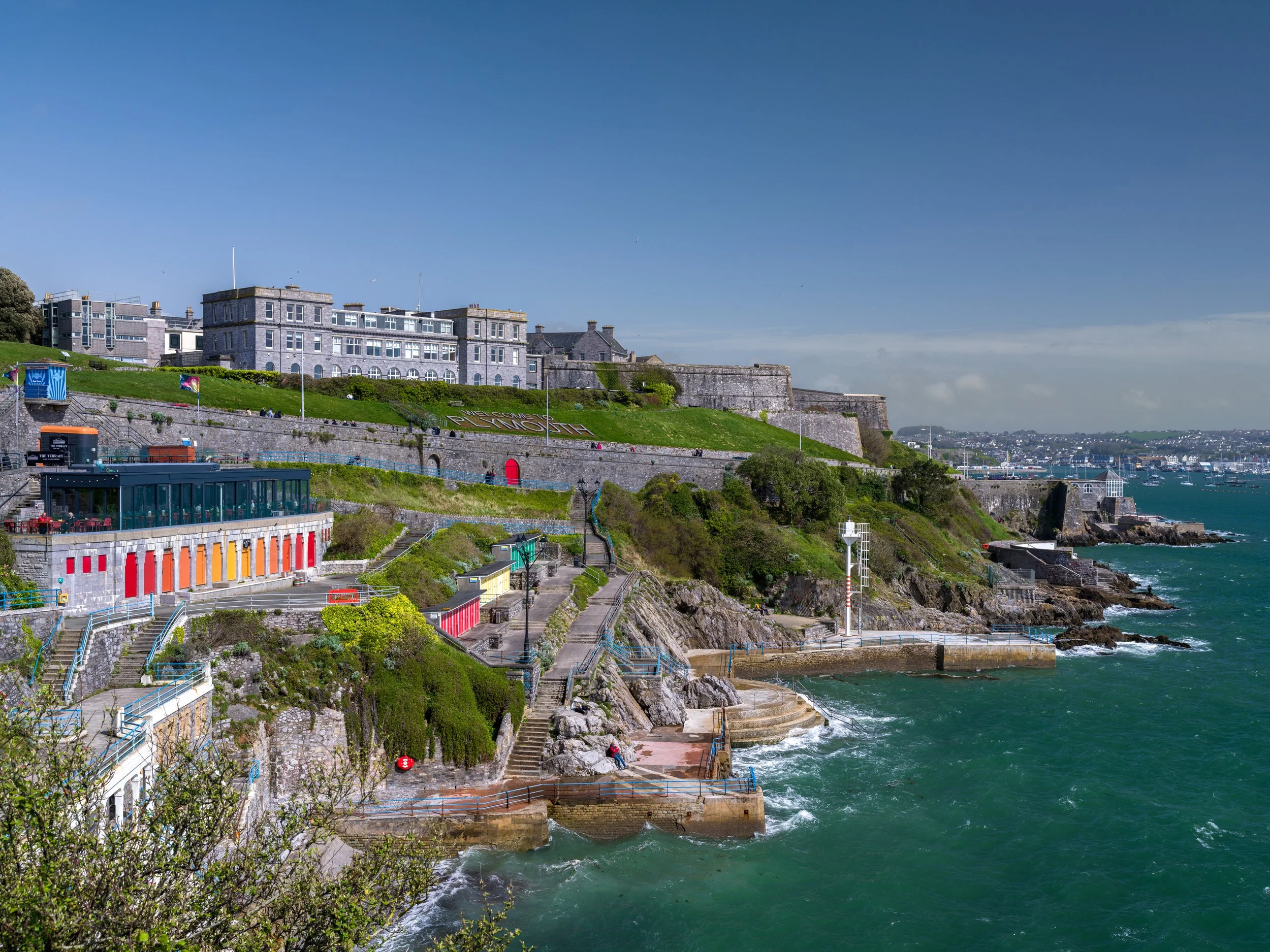
Images in Native 1:1 (square) format
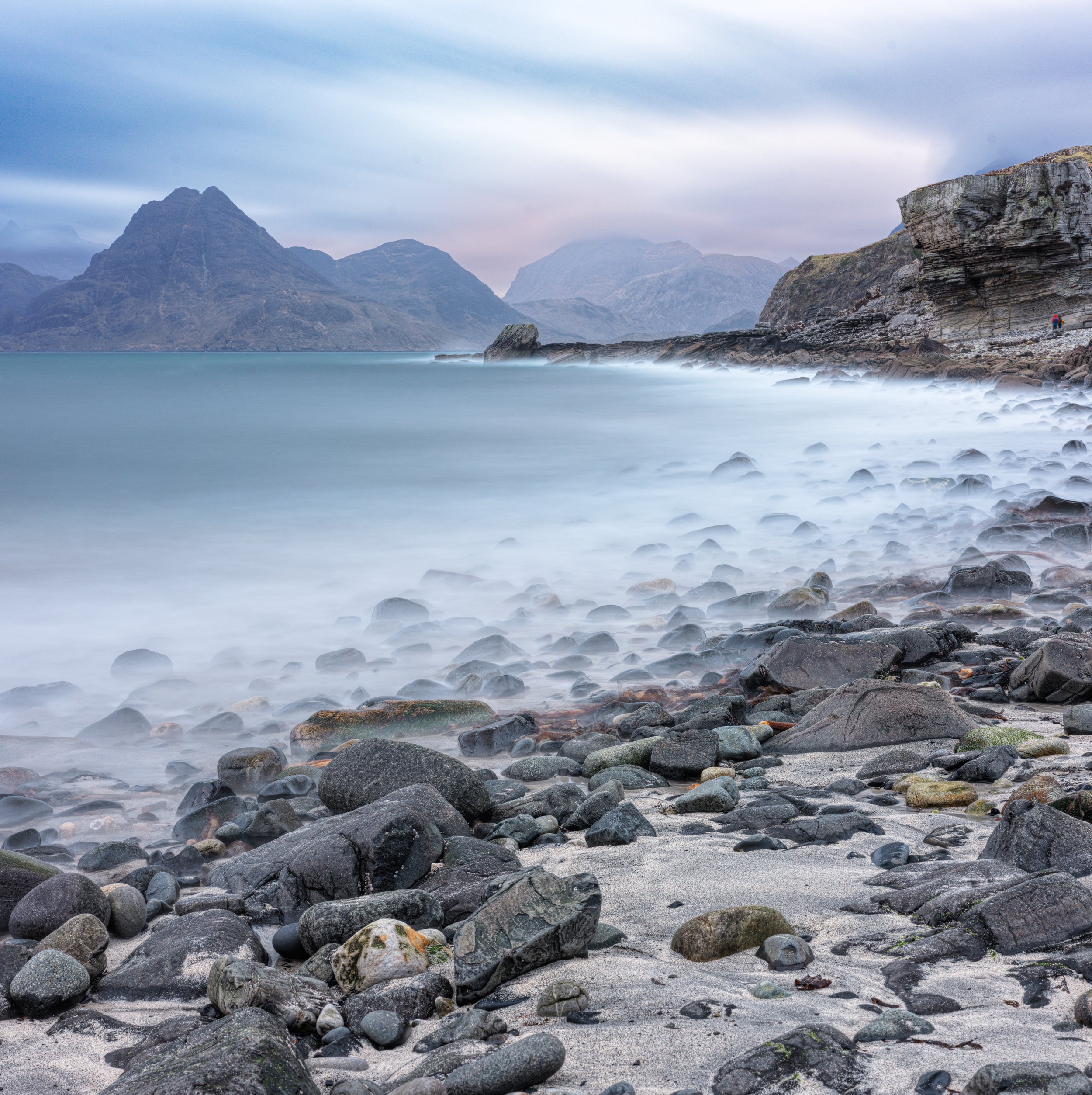


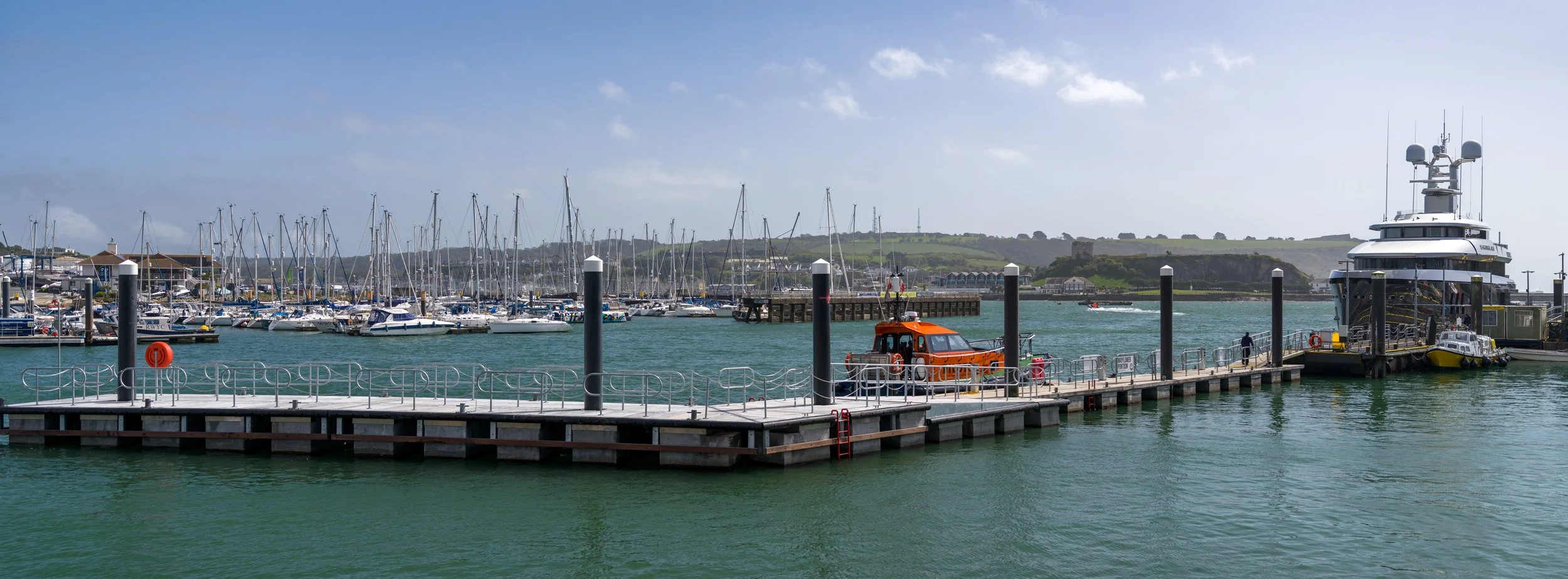
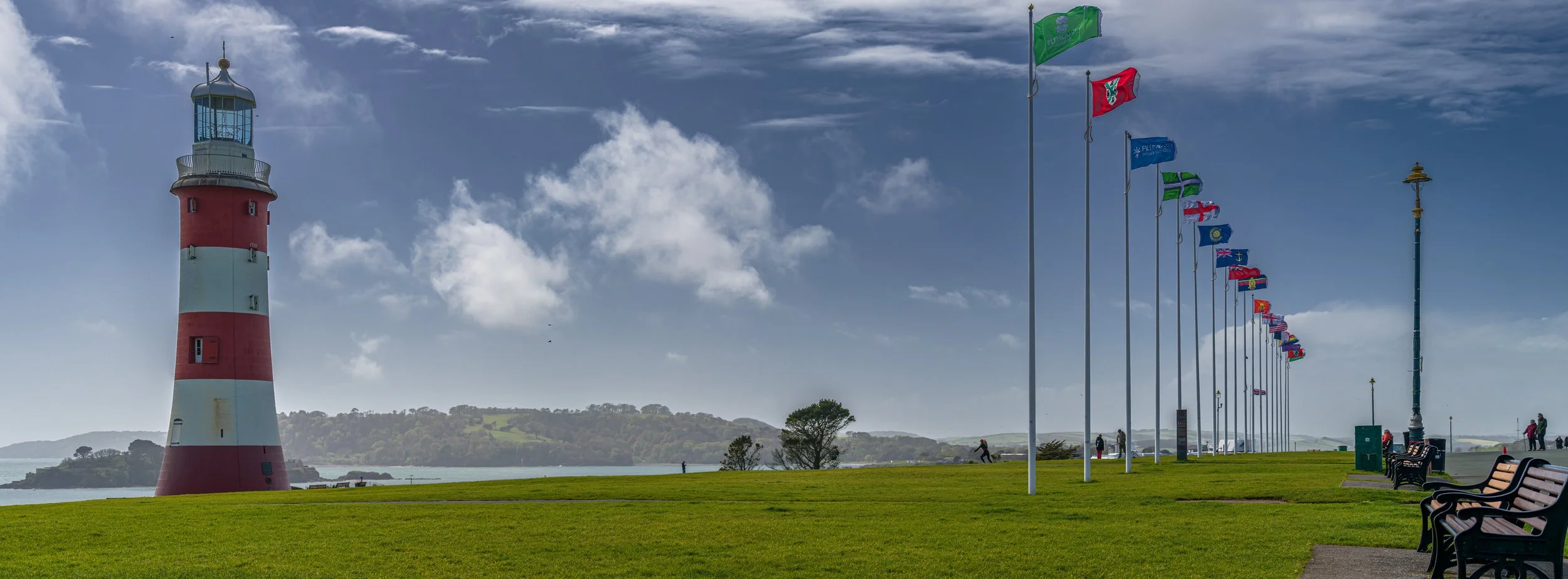
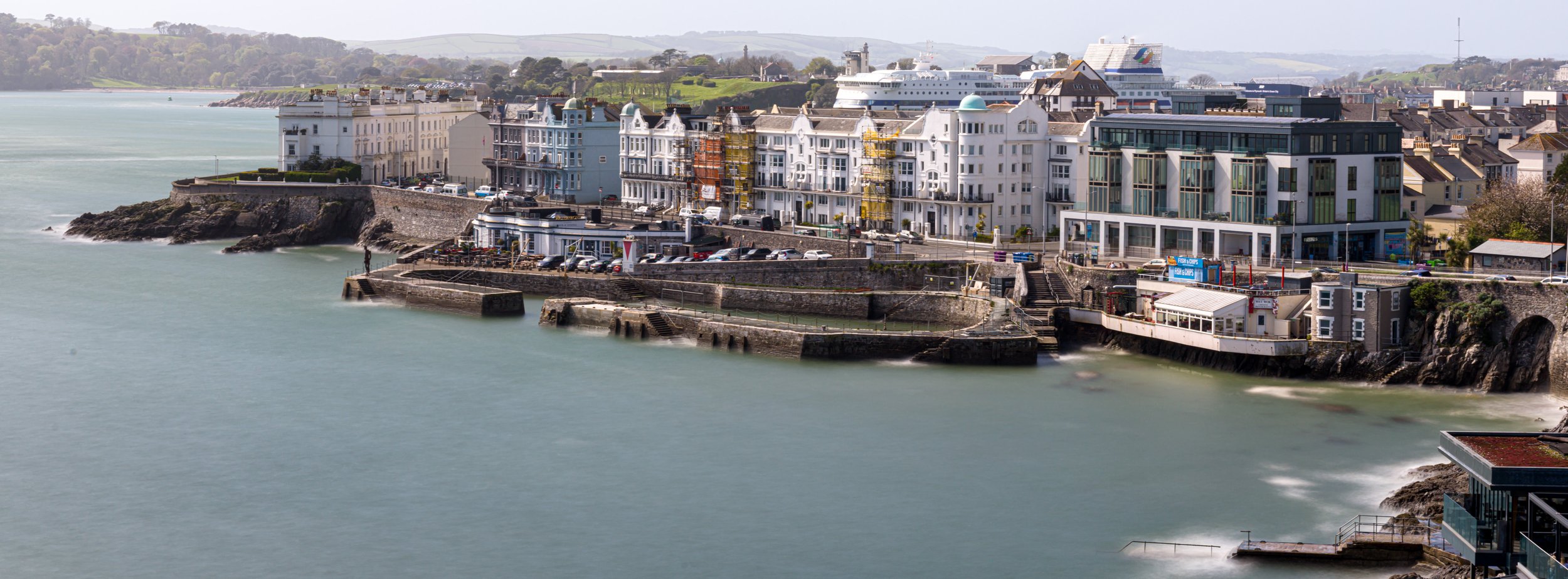
Images in native X-PAN format (65:24)
Conclusion:
It’s still early days with the Hasselblad X2D and as it’s not a daily carry camera it’ll take me a while to properly understand the capabilities of this beast.
Early results are promising and for photography trips where landscape imagery is the main target it’s an obvious choice, but for anything else, including regular travel, a Sony or one of my rangefinder cameras is probably a better option.
The main question is whether one camera can do everything? The answer is ‘Probably’ and of what I have available it’s likely the Sony. It will certainly have a good go at competing with medium format . With 60 megapixels available and GMASTER lenses it’s a formidable contender. Operation of the Sony is flawless. AI autofocus and best in class capabilities aside, even the simple ergonomics and physical operation are super slick. With all that said, the Hasselblad user experience and operation in the right circumstances is hard to beat. I totally get the Hasselblad user experience, along with the Leica experience but at the end of the day, to me, it’s the final images that are most important rather than the equipment I use to capture it.
Time will tell as to whether the X2D is a keeper, I’ll keep this blog updated with future experiences.